
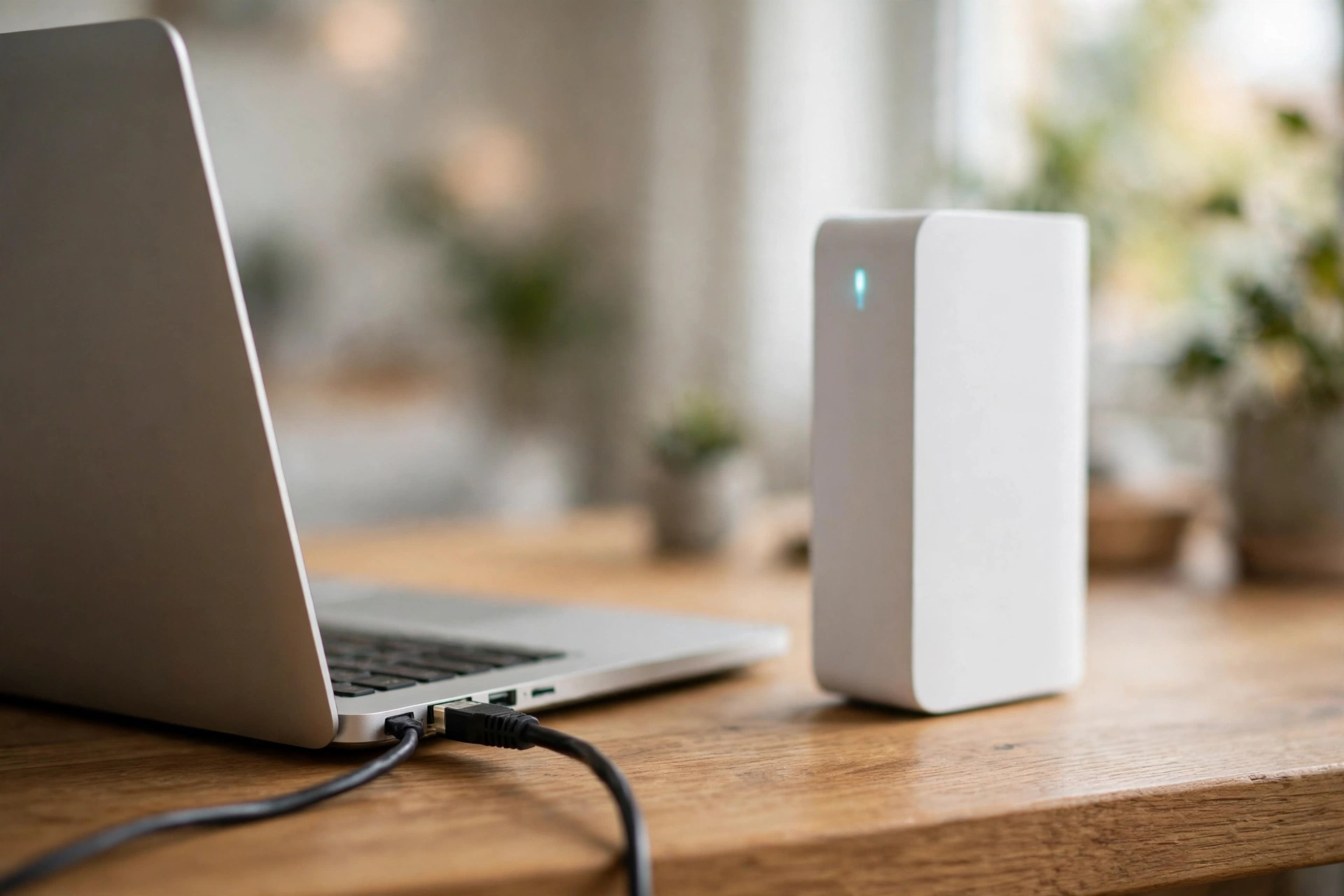
Ethernet is faster than Wi-Fi in UK homes. On a gigabit plan, an Ethernet cable delivers around 940 Mbps with latency under 1 millisecond, while Wi-Fi usually reaches 50 to 70 percent of the plan and adds 2 to 30 milliseconds of latency. Plug in for gaming and video calls; use Wi-Fi for phones and laptops on the move.
If you only remember one thing, remember this: Wi-Fi wins on convenience, Ethernet wins on speed and stability. The rest of this guide shows you the numbers, the cables, and exactly when each one is the right choice for your home.
Ethernet vs Wi-Fi at a glance
| Factor | Ethernet | Wi-Fi |
|---|---|---|
| Real-world speed on a gigabit plan | Around 940 Mbps, sustained | Often 50 to 70 percent of the plan |
| Latency to your router | Under 1 ms, steady | 2 to 30 ms, varies with signal and load |
| Jitter (variation in latency) | Very low | Low to high when the network is busy |
| Reliability | Very high, unaffected by walls or neighbours | Drops with distance, walls and interference |
| Range | Up to 100 m per cable run | Usually one floor or a few rooms per router |
| Security | Harder to intercept, physical access needed | Encrypted, but broadcast over the air |
| Best for | Gaming, video calls, streaming TV, downloads | Phones, tablets, laptops, smart home devices |

What is Ethernet?
Ethernet is a wired connection. A cable runs from your router to your device, usually with an RJ45 connector that clicks into place. It gives that device a private, dedicated link, with no other device on the same cable sharing its bandwidth. The standard is maintained by the IEEE under 802.3, and it has been the backbone of home and office networks for decades. Ethernet started in offices, and it spread into homes as broadband speeds rose. Old cables topped out at 10 Mbps, which was fine for 1990s file sharing. Modern Cat6 and Cat6a cables carry 10 Gbps, as the table below shows.
Most routers, desktop PCs, games consoles and smart TVs have an Ethernet port. If yours does, a cable is the cheapest upgrade you can make. It is still the foundation of a stable home network, and the recommended option for anything that needs a steady connection.
What is Wi-Fi?
Wi-Fi is a wireless connection. Your router sends data as radio waves under the IEEE 802.11 standard. In the UK, Wi-Fi runs mainly on the 2.4 GHz and 5 GHz bands, with the 6 GHz band opening up for Wi-Fi 6E and Wi-Fi 7 routers. Any device in range with the password can connect, which is why it is so convenient.
Wi-Fi uses three bands. The 2.4 GHz band reaches furthest through walls but is the slowest and most crowded. The 5 GHz band is faster but weaker through walls. The 6 GHz band is the fastest yet but is limited to the same room. The latest standard, Wi-Fi 7, adds wider channels and cleverer use of multiple bands at once. The practical point for UK homes is that the signal weakens every time it passes through a solid brick wall, which is why the same plan delivers different speeds in different rooms.
Speed: the numbers on the box vs the speed in your home
The headline speeds on a router box are theoretical maximums measured in a lab. Real homes are messier. Signal fades with distance, neighbours compete for the same channels, and your device itself sets a limit: a phone with two antennas cannot use eight streams however fast the router is.
Here is what to expect on a gigabit broadband plan in a typical UK home:
| Connection | Theoretical maximum | Typical real-world result |
|---|---|---|
| Wi-Fi 5 (802.11ac) | 3.5 Gbps | A few hundred Mbps near the router |
| Wi-Fi 6 (802.11ax) | 9.6 Gbps | Several hundred Mbps in the same room |
| Wi-Fi 7 (802.11be) | 46 Gbps | Multi-gigabit at close range, far less through walls |
| Gigabit Ethernet | 1 Gbps | Around 940 Mbps, anywhere the cable reaches |
| 2.5G Ethernet | 2.5 Gbps | Around 2.35 Gbps |
| 10G Ethernet | 10 Gbps | Close to 10 Gbps on short runs |
Three things matter here. First, the Wi-Fi 7 figure of 46 Gbps assumes 16 spatial streams in perfect conditions, and no home device has that. Second, the Wi-Fi figures assume a clean channel with no interference, which British homes rarely have. Third, Ethernet hits its number anywhere the cable runs, because it does not share the air with your neighbours. Put simply, compare what your router delivers to a device in the room where you use it, not the number on the box.
Ethernet cable categories explained
Not all Ethernet cables are equal. The category printed on the cable sets its speed ceiling. For home use, the choice is simple, and the table shows why.
| Category | Max speed | Bandwidth | Distance at full speed | Best use |
|---|---|---|---|---|
| Cat5e | 1 Gbps | 100 MHz | 100 m | Existing cables, gigabit plans |
| Cat6 | 10 Gbps | 250 MHz | 55 m at 10 Gbps, 100 m at 1 Gbps | Best buy for most homes |
| Cat6a | 10 Gbps | 500 MHz | 100 m | New in-wall cabling |
| Cat7 | 10 Gbps | 600 MHz | 100 m | Skip it, see below |
| Cat8 | 25 to 40 Gbps | 2,000 MHz | 30 m | Data centre racks only |
Buy Cat6. It costs about the same as Cat5e, carries a gigabit to the full 100 metres, and handles 10 Gbps on runs up to 55 metres. A single Cat6 cable will outlast several routers.
Skip Cat7. It is an ISO class, not a TIA standard, and it needs GG45 or TERA connectors rather than the RJ45 plugs your devices use. UK shops still sell it at a premium, but it brings no benefit in a home.
One rule settles every cable question: a link runs at the speed of the slowest part in it. If you buy a 10 Gbps switch but keep your Cat5e cable, the link still runs at 1 Gbps.
Latency and ping: why gamers plug in
Speed is only half the story. Latency, the delay before data starts moving, matters more for gaming and video calls. It is measured in milliseconds, and lower is better.
Ethernet keeps latency under 1 millisecond to your router, and it stays there. Wi-Fi typically adds 2 to 30 milliseconds, and that figure jumps when someone else starts a download or the microwave runs. Put another way, Ethernet feels instant, whereas Wi-Fi can feel sluggish at the worst moments.
For competitive gaming, that difference is the whole argument. A wired connection will not make you a better player, but it removes the excuses for losing one: it cuts ping, stops jitter and stops the odd lag spike. In video calls, it is the difference between a smooth meeting and a frozen face mid-sentence.
When to plug in and when to use Wi-Fi
| Use case | Best choice | Why |
|---|---|---|
| Competitive online gaming | Ethernet | Lowest, steadiest latency |
| Working from home video calls | Ethernet | No dropouts mid-call |
| 4K streaming on the main TV | Ethernet if the TV sits near the router | Smooth playback, no buffering |
| Phones, tablets and laptops around the house | Wi-Fi | Mobility matters more than top speed |
| Smart home devices | Wi-Fi | Low data needs, many devices |
| Large downloads and backups | Ethernet | Full plan speed, sustained |
UK homes deserve a special note. Solid brick walls and multiple floors hurt Wi-Fi far more than the thin stud walls in the US homes that most speed guides assume. A router in the hallway may reach the front room fine and barely reach the back bedroom. That is the single biggest reason to run an Ethernet cable to a home office upstairs, rather than relying on Wi-Fi through two floors.
How to test your own speed
Do not guess. Test both, in the same place, and let the numbers decide.
- Run a speed test on Wi-Fi in the spot where you normally sit.
- Plug the same device into the router with an Ethernet cable and test again.
- Test at the same time of day, because evening congestion affects both.
- If Wi-Fi is far below your plan, move the router into the open, switch to the 5 GHz band, or run an Ethernet cable to the room that needs it.
If the wired test is also slow, the problem is your broadband plan or your router, not Wi-Fi. And if your plan is only 100 Mbps, even Wi-Fi 5 will reach it, so a cable will not make the number any bigger. It will still give you a steadier connection.
Does Wi-Fi 7 change the answer?
Wi-Fi 7, or IEEE 802.11be, is the current Wi-Fi standard, certified in early 2024. It uses 320 MHz channels, 4K QAM modulation and multi-link operation, which lets a device use several bands at once. Headline rates reach 46 Gbps.
But you need a Wi-Fi 7 router and a Wi-Fi 7 device to see any of it, and walls still cut the signal. For now it changes the answer for a small number of homes with very fast plans and compatible devices, and it closes the gap in one room. It does not change it for a house, or for a device through a brick wall.
Frequently asked questions
Is Ethernet faster than Wi-Fi?
Yes, in practice. On a gigabit plan, Ethernet typically delivers around 940 Mbps with latency under 1 millisecond. Wi-Fi in the same home usually reaches 50 to 70 percent of the plan and adds 2 to 30 milliseconds.
Does Ethernet increase my internet speed?
No. Ethernet cannot exceed your broadband plan. What it does is let you reach the full speed of your plan, while Wi-Fi often delivers less.
Is Wi-Fi 7 faster than Ethernet?
On paper, at close range, yes for a gigabit cable. Wi-Fi 7 has a theoretical maximum of 46 Gbps. In a real room it is closer to a few gigabits, so a 10 Gbps wired link is still faster, and a 2.5 Gbps link is usually steadier.
Which Ethernet cable should I buy in the UK?
Buy Cat6. It carries a gigabit to the full 100 metres, handles 10 Gbps on runs up to 55 metres, and costs little more than Cat5e. If you are cabling a new home, run Cat6a for the longer runs.
Can I use Ethernet and Wi-Fi at the same time?
Yes. Most devices prefer Ethernet when a cable is plugged in and fall back to Wi-Fi automatically if the cable is removed. That is handy for laptops that move between a desk dock and the sofa.
Does Ethernet use more data than Wi-Fi?
No. The same activity uses the same amount of data on either connection. Ethernet just delivers it faster and more steadily.
Conclusion
Ethernet is faster than Wi-Fi in real UK homes, and it is steadier too. Wi-Fi 7 has closed the gap at close range, but brick walls and shared airwaves still give the cable the win where it matters. Plug in the devices that stay put, and let the rest roam on Wi-Fi. Do not overspend on cables, but spend a little on the right ones. You do not need a 10 Gbps setup to win this argument: a Cat6 cable and a gigabit port are enough to make your connection feel faster, steadier and more practical, realistic and confident. If you want shared storage on your home network, our guide to network attached storage explains how NAS works.